Jake Sully Cursor
Try this cursor
Preview Jake Sully Cursor in this sandbox. Hover and click - no extension needed for a test on this page. Download PNG, JPG, or CUR
Move here to see the default cursor
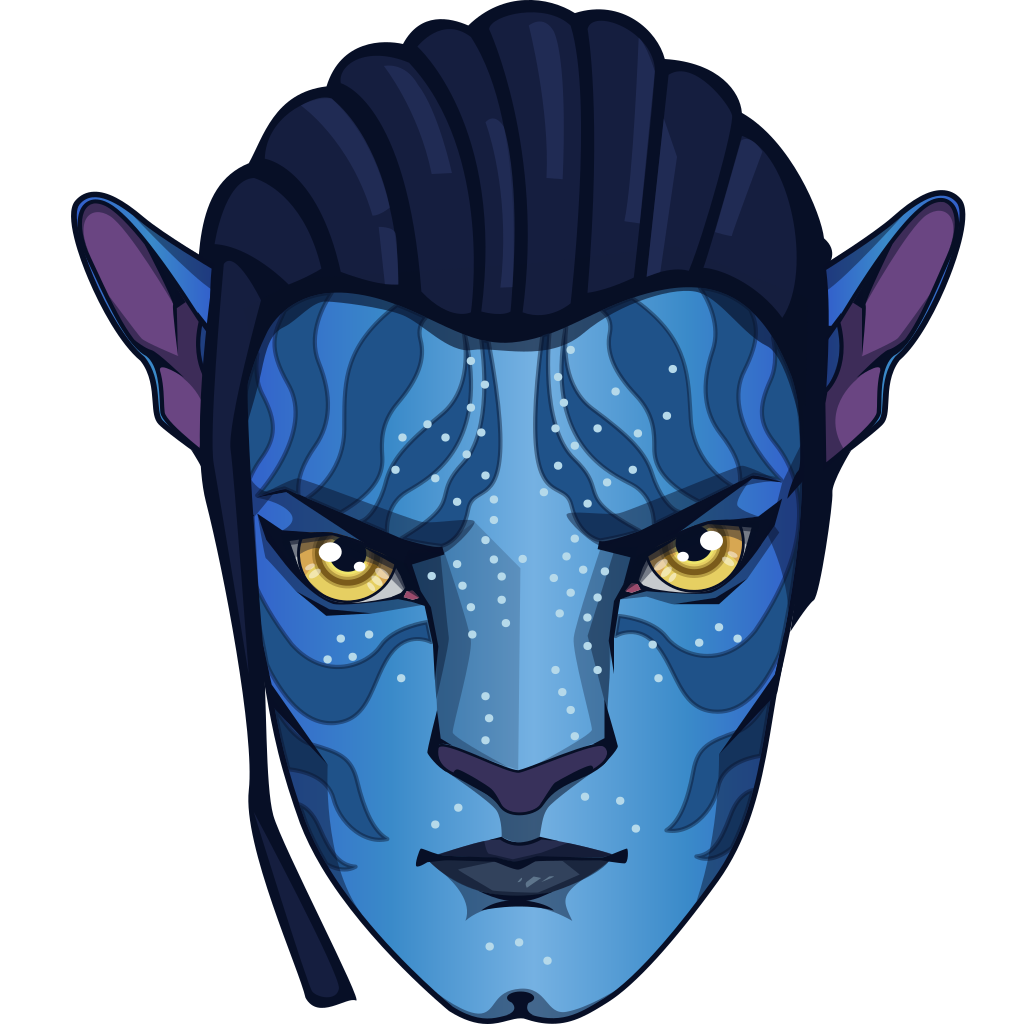 DefaultMove around the board
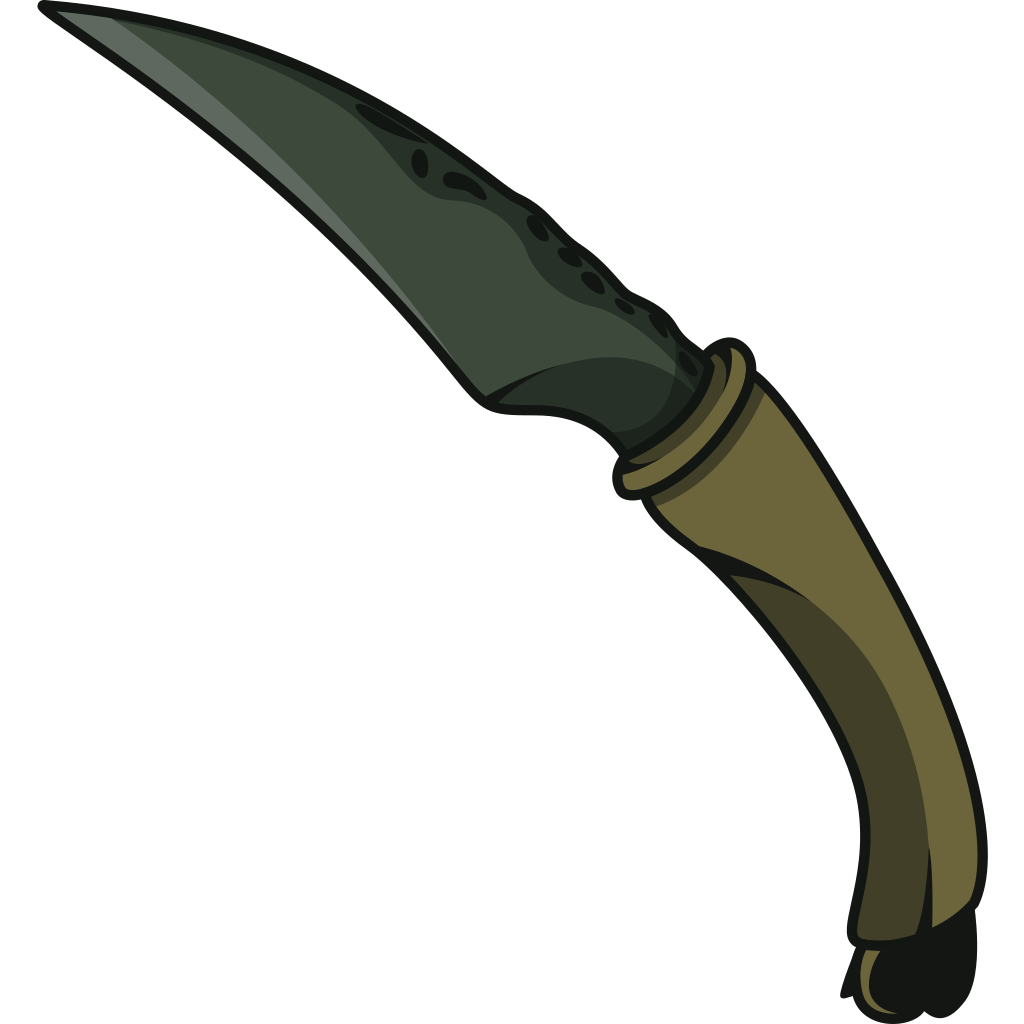 PointerHover a button or link
Description
What's included in the package
- Default Cursor
- Pointer (Hand)
How to install a custom cursor pack Jake Sully Cursor
Install the Cursor Space extension for Chrome or Cursor Space for Edge in your browser.
On this page, click "Add this cursor pack to the extension".
Open the extension and go to the Packs tab.
Find the custom cursor pack "Jake Sully cursor" and click it.
Enjoy!
Ready to install?
Get this cursor pack and thousands of others by installing our extension. It's fast and free!
Install for ChromeAbout this cursor pack
Jake Sully Cursor is a themed cursor pack you can add to your browser to personalize your pointer across common cursor states (default and pointer). Use it for everyday browsing, streaming, studying, or gaming-anywhere you want your cursor to match your vibe.
Instant preview
See how the cursors look before installing.
Easy install
Add the pack to the extension in a few clicks.
Works in your browser
Designed for Chrome and Edge via the extension.
FAQ
Quick answers to common questions about cursor packs, collections, and installation.
Do I need an extension?
Yes. To apply cursor packs in Chrome or Edge, install the Cursor Space extension and add this pack to it.
Which browsers are supported?
Cursor packs are designed for Chromium browsers like Chrome and Microsoft Edge.
How do I switch back to the default cursor?
Open the extension, choose another pack or disable the current one to return to your default cursor.
Can I try the cursor before installing?
Yes. Use the Try this cursor section on this page to preview default, pointer, and other states. Add the pack to the extension to use it across the web.
Can I download the cursor files?
Yes. Open Download files on this page for Arrow and Pointer PNG, JPG, and CUR (hotspot included). You can also copy CSS, Roblox, Unity, and Godot snippets.
Popular cursors today
Most installed packs in Avatar: Cursor Collection - add them to Chrome or Edge in one click.
- Top 1
 Messi and World Cup cursorMeet our custom cursor with Messi and World Cup in The Wishes custom cursors collection for Chrome.
 - Top 2
 Wednesday Addams and Crow cursorWednesday custom cursor for a mouse is good fan art to decorate your browsing.
 - Top 3
 Ángel Di María cursorMeet our custom cursor with Ángel Di María in The Wishes custom cursors collection for Chrome.
  KEL cursorAdd KEL cursor in the collection of custom cursors with avengers for the browser.
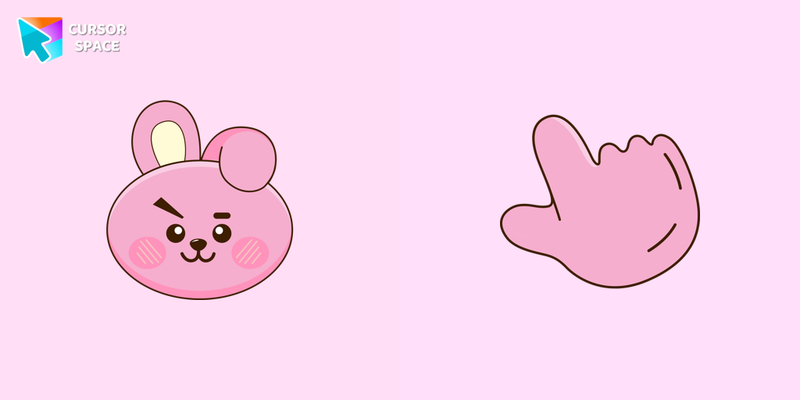 COOKY cursorCOOKY cursor for a mouse is a good fan art to decorate your browsing, a cute pointer together with the custom cursor with COOKY.
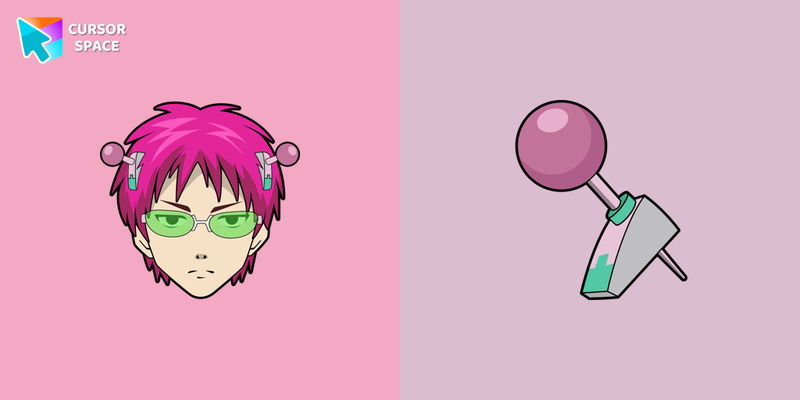 Kusuo Saiki cursorThere is a custom cursor with Kusuo Saiki and a character weapon as a hover in a set of The Wishes cursors for Chrome.
 Tsireya cursorTsireya from Avatar: The Way of Water custom cursor for the mouse and pointer in a terrific custom cursors collection.
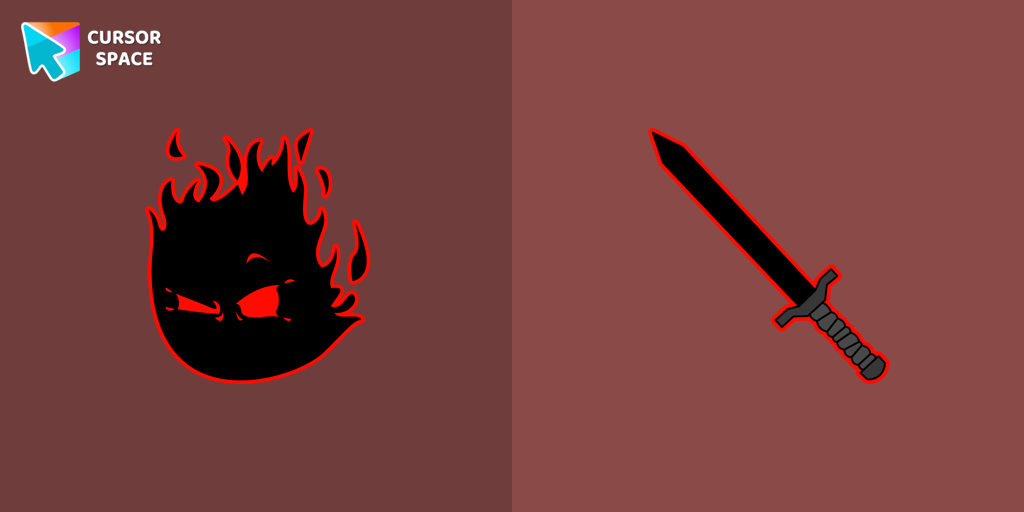 The Auditor cursorThe Auditor custom cursor for the mouse is a pretty character in The Wishes cursor collection for Chrome.
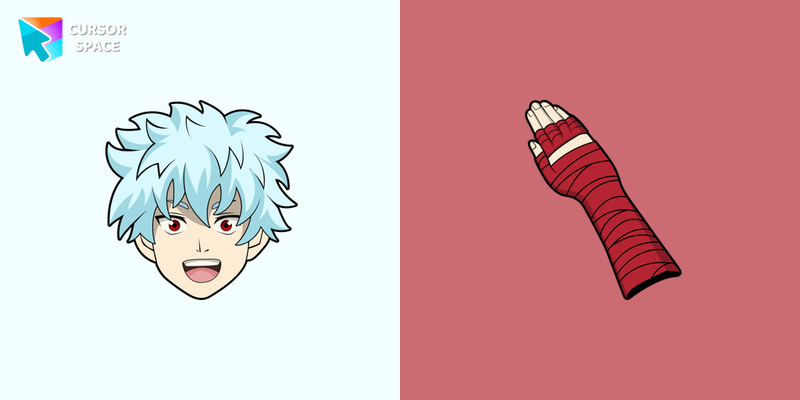 Shun Kaidou cursorShun Kaidou custom cursor from our The Wishes cursors collection for mouse and pointer.
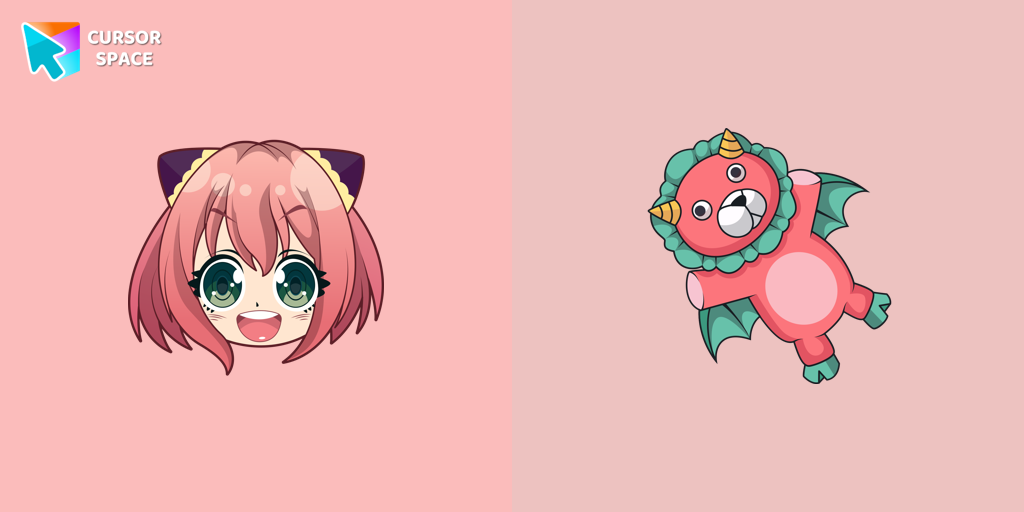 Anya Forger cursorCustom cursor with Anya Forger is a good opportunity to change the usual mouse to the fans custom cursor.
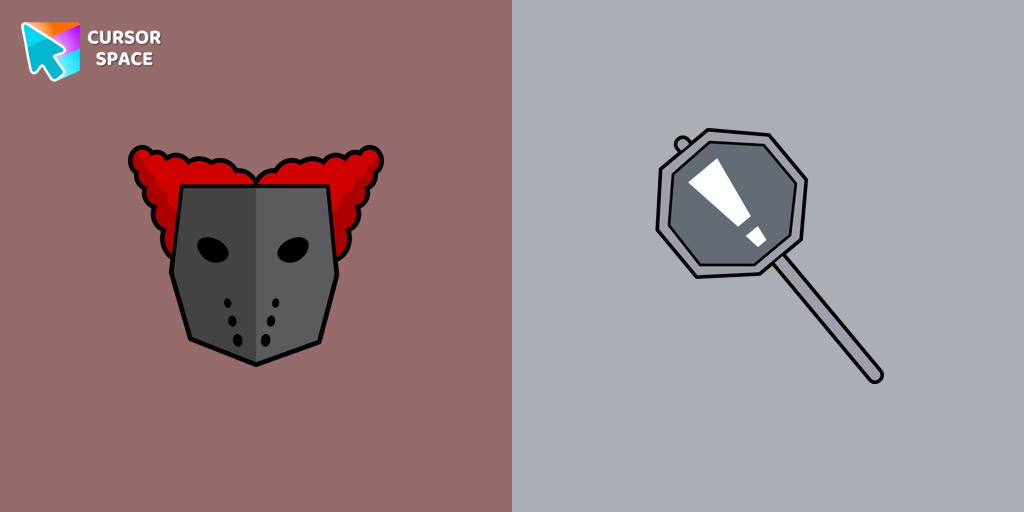 Tricky the Clown cursorTricky the Clown custom cursor for mouse and custom hover pointer with the character's weapon in The Wishes collection of custom cursors.
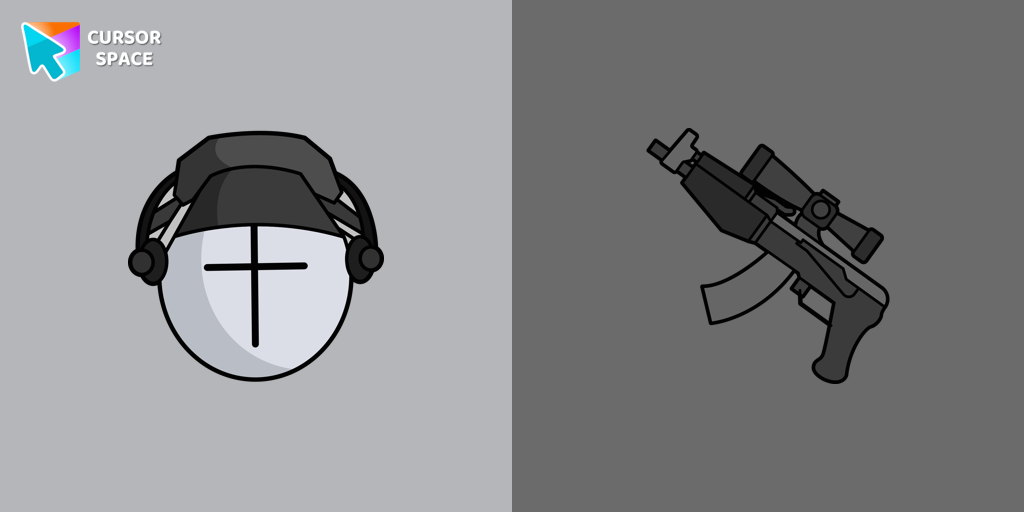 Deimos cursorAdd Deimos custom cursor in our unique The Wishes collection of custom cursors for the browser.
Collection hits
Installation leaders from "Avatar: Cursor Collection": free packs, neon/anime/pixel art, quick add to Chrome and Edge.
- Top 1Messi and World Cup cursorMeet our custom cursor with Messi and World Cup in The Wishes custom cursors collection for Chrome.
- Top 2Wednesday Addams and Crow cursorWednesday custom cursor for a mouse is good fan art to decorate your browsing.
- Top 3Ángel Di María cursorMeet our custom cursor with Ángel Di María in The Wishes custom cursors collection for Chrome.
- KEL cursorAdd KEL cursor in the collection of custom cursors with avengers for the browser.
- COOKY cursorCOOKY cursor for a mouse is a good fan art to decorate your browsing, a cute pointer together with the custom cursor with COOKY.
- Kusuo Saiki cursorThere is a custom cursor with Kusuo Saiki and a character weapon as a hover in a set of The Wishes cursors for Chrome.
- Tsireya cursorTsireya from Avatar: The Way of Water custom cursor for the mouse and pointer in a terrific custom cursors collection.
- The Auditor cursorThe Auditor custom cursor for the mouse is a pretty character in The Wishes cursor collection for Chrome.
- Shun Kaidou cursorShun Kaidou custom cursor from our The Wishes cursors collection for mouse and pointer.
- Anya Forger cursorCustom cursor with Anya Forger is a good opportunity to change the usual mouse to the fans custom cursor.
- Tricky the Clown cursorTricky the Clown custom cursor for mouse and custom hover pointer with the character's weapon in The Wishes collection of custom cursors.
- Deimos cursorAdd Deimos custom cursor in our unique The Wishes collection of custom cursors for the browser.
Install Cursor Space - A Collection of Custom Cursors for Chrome & Edge
Add packs instantly and unlock access to thousands of cursors: neon, anime, pixel-art, and more. Fast, safe, and free.
- Free cursor packs
- HD/HiDPI & animated icons
- Quick browser installation
Cursor Space is an extension for changing your mouse cursor in Chrome and Edge browsers: themed collections, HiDPI icons, neon, animated, and pixel cursors, with quick installation.